

Set up the restaurant once. Let channel work together.
LumenChef connects the information guests need, the conversations that create reservations or orders, and the operational tools your team uses to deliver the experience.
01Choose how you want to start
Basic provides essential restaurant operations without a monthly fee: tables, hours, an internal menu for AI, and pay-as-you-go reservation agents.
Pro offers advanced table and hours control, reduces AI reservations from 2 to 1.5 credits, and grants access to LumenChef's broader operational features.


02Configure the restaurant foundation
LumenChef requires a clear truth source for AI accuracy. It consolidates essential restaurant info: table structure, hours, menu, services, and language.
Pro restaurants can use advanced table and hour settings, while guided setup and planned menu-import tools reduce the manual work required to build the foundation.


03Activate the channels guests already use
Voice. Guests call the restaurant and the AI Voice Reservation Agent handles the routine reservation conversation.
WhatsApp. Guests request a table in a familiar chat, and the WhatsApp Reservation Agent gathers the details needed to complete the booking.
Takeaway & Website. When enabled, supported voice and WhatsApp agents can collect orders, while the planned Pro website creates direct paths from discovery to reservations and orders.


04Let AI handle the repeatable conversation
Agents gather structured details for restaurants, avoiding missed calls and fragmented messages. For reservations, this includes date, time, party size, and guest contact.

Guest experience principle: The conversation should feel natural to the guest, while the result should arrive in a structured form for the restaurant.


05Manage the outcome in LumenChef
A successful conversation is only valuable if the team can act on it. Reservations enter the table-management workflow, while takeaway requests enter the order workflow for review and status management.
Keep reservations and orders visible to the team, update status as work progresses, and send confirmations as the capability is released.


06Use Pro to build the growth loop
Pro connects the guest journey before and after the transaction. As marketing features are released, restaurants can use the same information for public presence and customer communication.
Attract. Publish the restaurant website, menu, and location. Convert. Provide guests with reservation and takeaway options. Remember. Use the CRM to connect visits. Return. Create permission-based WhatsApp and email campaigns.


The connected journey
How guests and your restaurant experience LumenChef together
Guest journey

Discovery
The guest finds the restaurant through the website (yet to be released), the menu, online search content, or an existing channel.

Request
They call, send a WhatsApp message, book online, or start a takeaway order through an available channel.

Get the information
The agent or website collects the details, completes the supported action, and provides a confirmation when available.

Return
With the appropriate permissions, the restaurant can later share a relevant event, offer, or update.
Restaurant journey

Setup
Set up the website (yet to be released), menu, online search content, and channels for connecting with customers. It takes just 15 minutes to get LumenChef up and running.

Receive
Let the enabled guest channels automatically create structured reservations and orders.

Manage
Manage the tasks generated by reservations and orders through the relevant views, together with your team.

Grow
Use Pro's current and planned features to attract, convert, and retain more guests.
How every piece connects
Phone, WhatsApp, website, and more all feed into one system
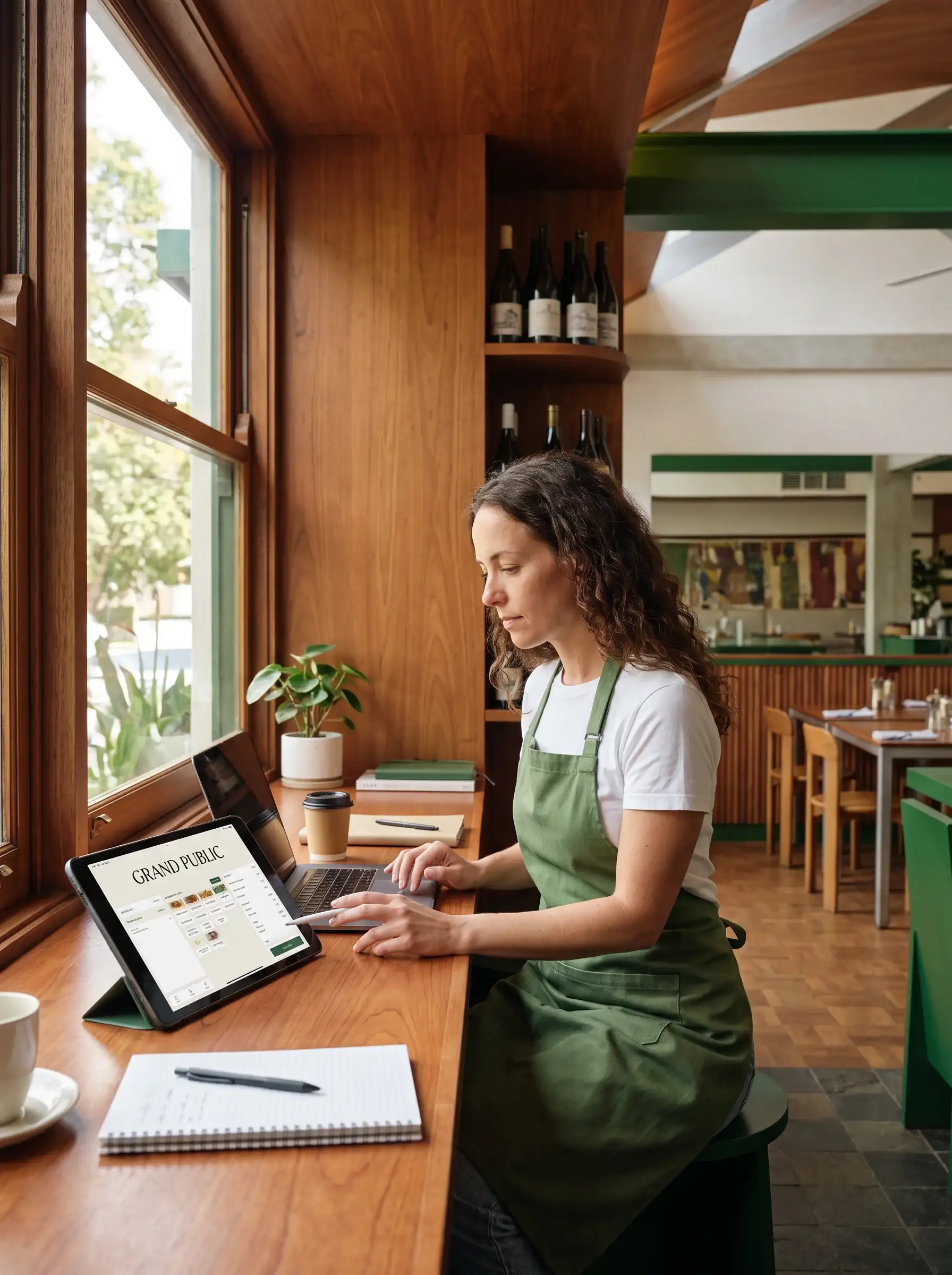
Reservations and orders arrive organized and ready to be managed
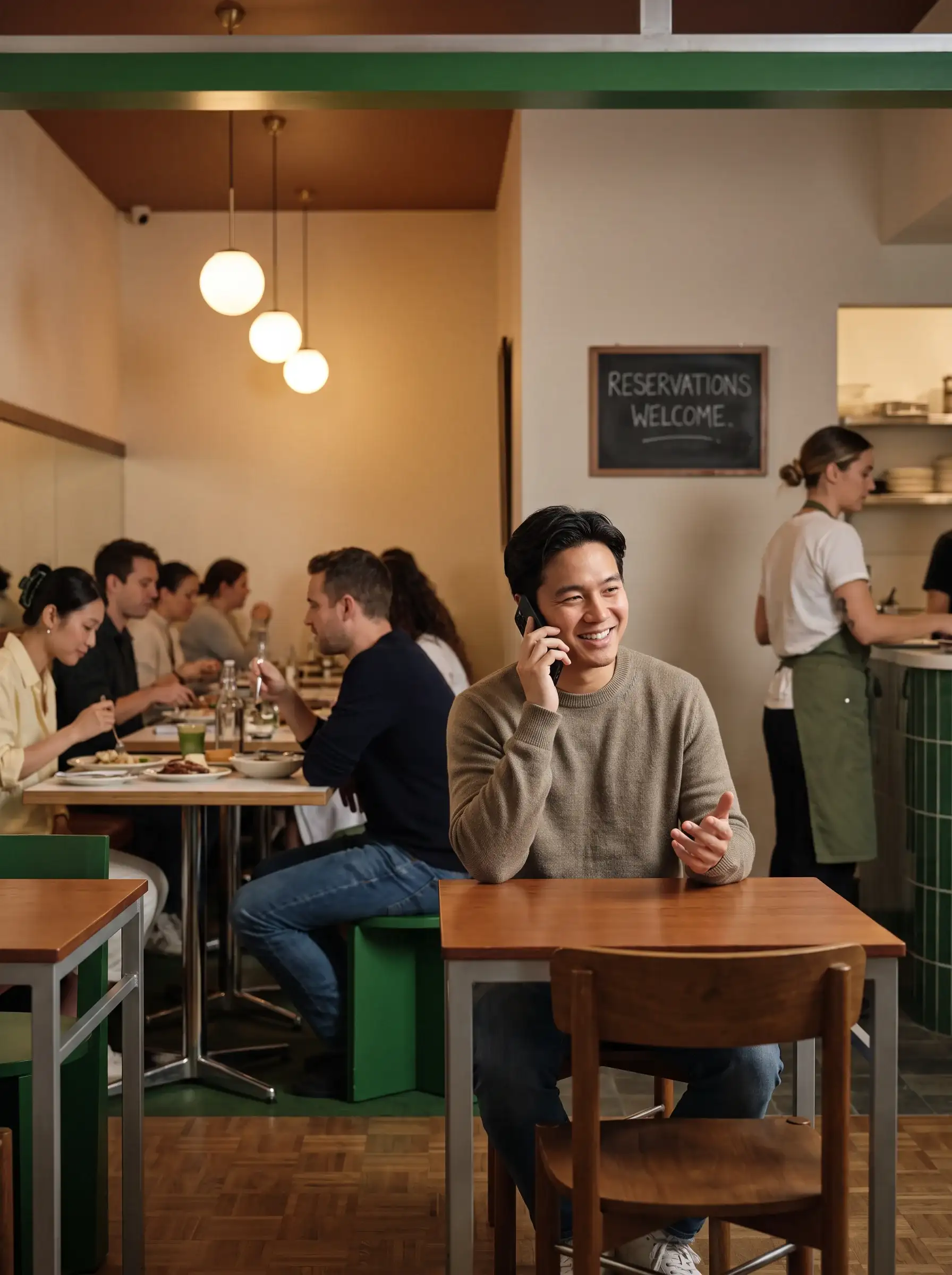
Your team sees what needs to be done and gets it done faster
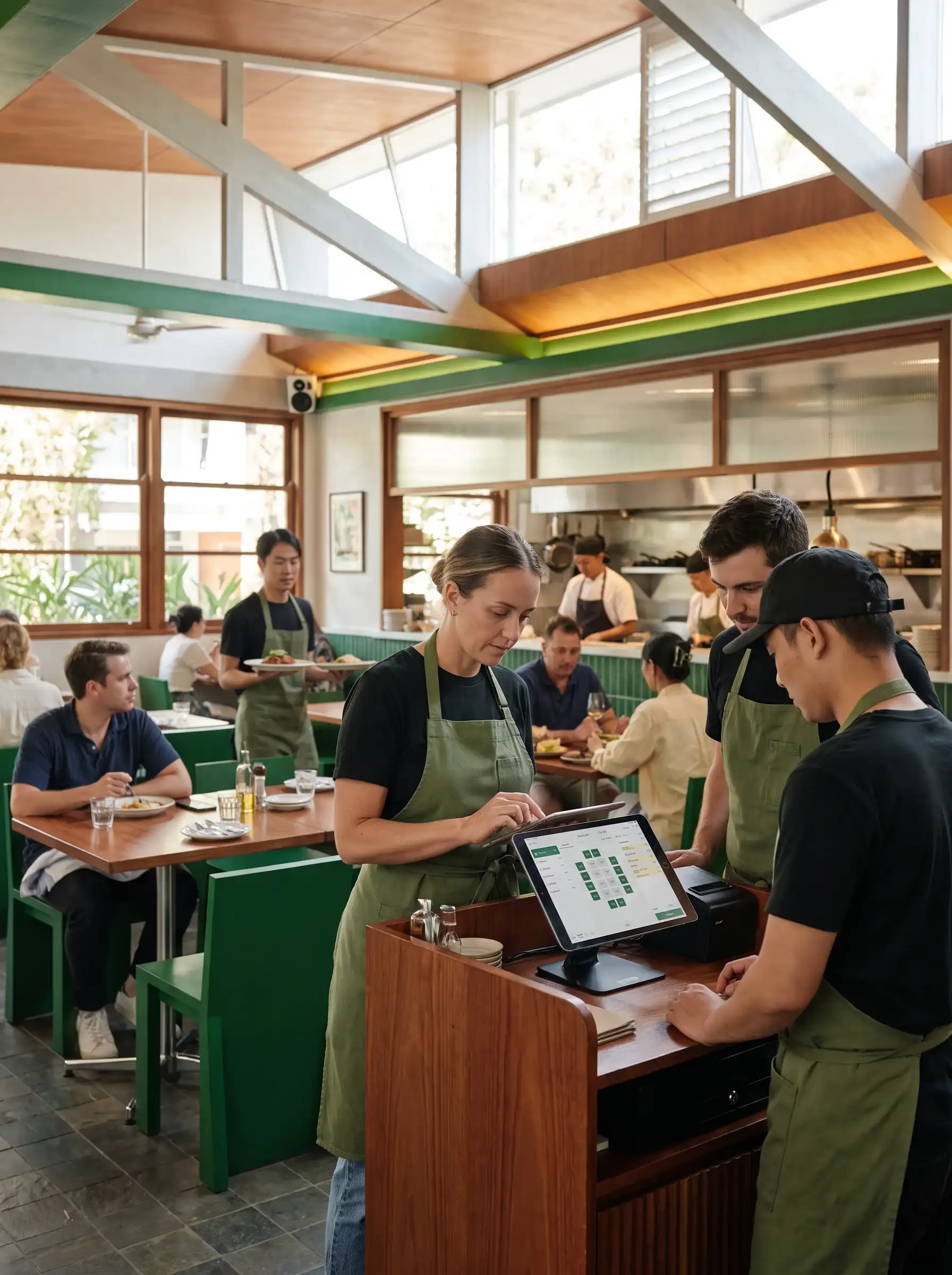


Get started with the restaurant details you already have!
Connect the channels your guests already use. Let LumenChef turn more conversations into organized action.
No complicated setup. We'll configure your first workflows with you.